
Wrong or missed kitchen orders
Paper tickets vanish in noise and busy shifts.
Riser POS sends the ticket to the kitchen display so the line cooks what was sold.
Riser POS connects counter, kitchen, stock, and reports—built for Bangladesh food and retail businesses. Dimdul installs, trains your team, and supports you after go-live. Setup for simple businesses takes just 30 minutes.
Trusted by top restaurants and retailers


Web dashboard, Windows counter, Android till, and mobile POS—one connected system.
Bangladesh food businesses lose time and margin when counter, kitchen, and back office run on separate habits. Riser POS replaces that split with one workflow installed by Dimdul Ltd.
Paper tickets vanish in noise and busy shifts.
Riser POS sends the ticket to the kitchen display so the line cooks what was sold.
Peak lunch should not depend on one broadband line.
Offline Android billing lets the counter keep selling and sync later.
Manual math and handwritten totals extend queues.
A structured till prints receipts, applies allowed discounts, and records payment in seconds.
Ingredients disappear without a sales link.
Inventory moves with items sold from the same system—not a separate notebook.
Owners reconcile late at night.
Daily reports show what actually sold and what was paid—one report set, not memory and calculators.
Without roles, control disappears.
Permission levels limit who can void or discount. Managers review exceptions after service.
From order to owner report, every step stays in Riser POS. Click a step or drag on the scene to explore.
Same engine—tuned for restaurant, retail, and pharmacy workflows in Bangladesh.
Counter to kitchen to owner report.
Fast billing, stock, and daily sales.
Medicine counter with dues and reports.
"Since switching to Riser POS, our checkout time halved. We haven't lost a single kitchen ticket in months. The offline billing is a lifesaver during outages."
"Party bookings and counter sales finally share one menu. We see what's committed for the weekend and what sold at the till today."
Everything you need to know about getting started with Riser POS.
Riser POS continues to work perfectly offline for billing. When your internet connection is restored, all data automatically syncs back to the cloud.
Riser POS runs on Windows, Android tablets, iPads, and mobile phones. You can use standard thermal printers and cash drawers.
For a simple business, we can install and set up your POS within 30 minutes! For larger businesses with extensive menus, setup usually takes 2-3 hours. Our team handles the import and cloud setup for you.
Tips, guides, and industry news for growing your business.
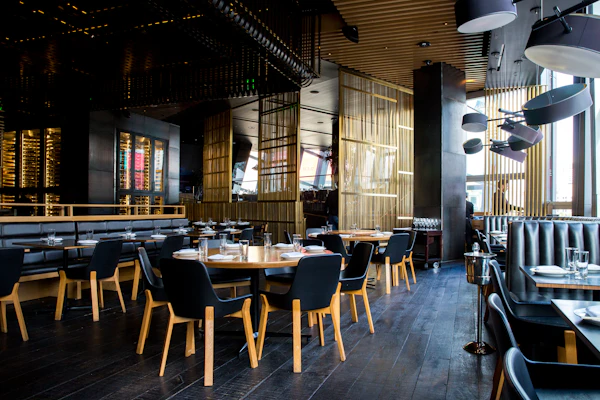
Bill offline, send the ticket to the kitchen, and pick a plan that fits a Dhaka service.
Read article →
Cook what you sold, record what you threw away, and stop remaking the wrong plate.
Read article →
Move the catalog, keep the counter open, and still bill when broadband drops.
Read article →Join thousands of successful businesses running on Riser POS. Get in touch with Dimdul for a personalized demo, hardware quotes, and seamless installation.